Angel Lettering: Hand-Drawn Vector Charm
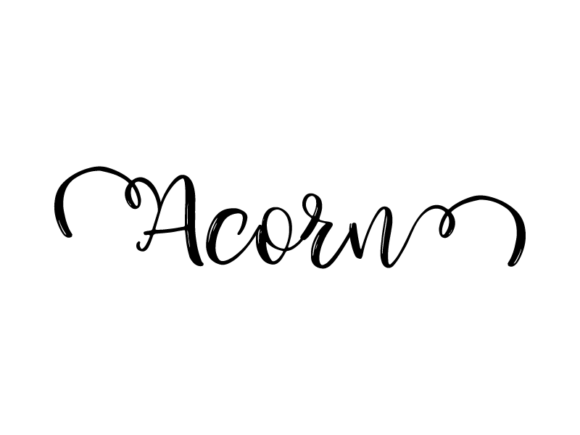
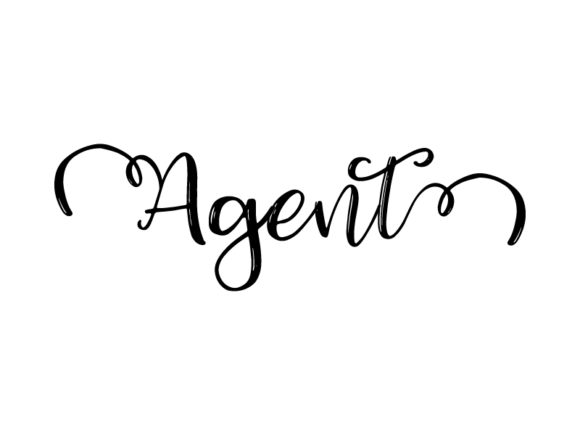
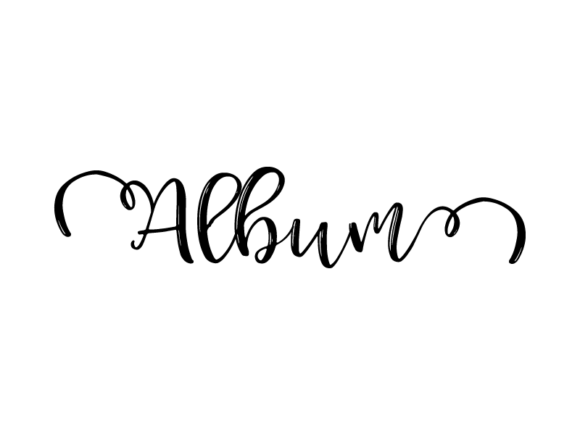
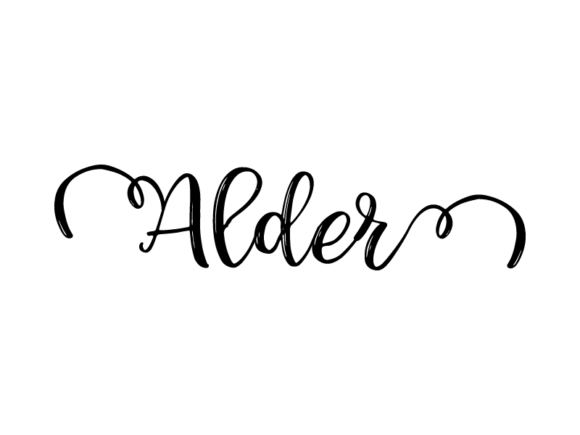
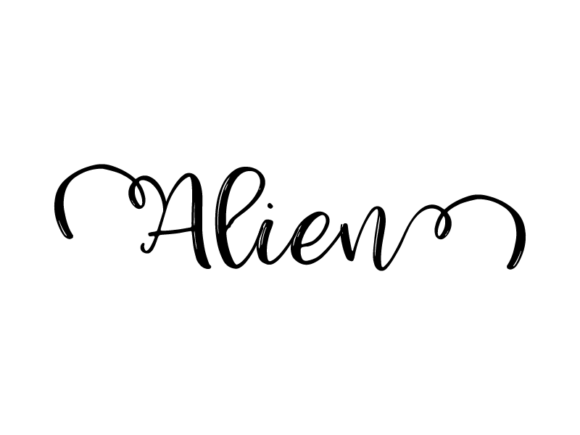
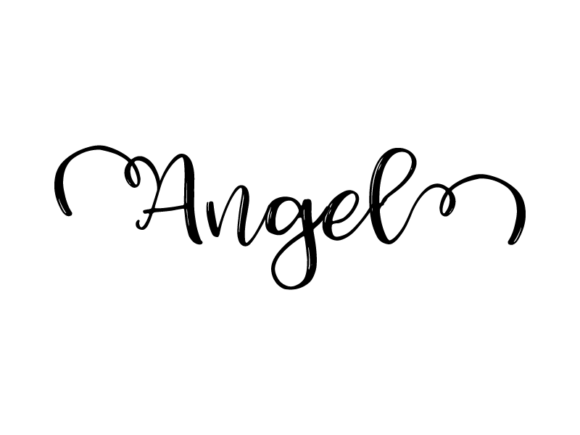
Angel Lettering is a style of hand-drawn, monochrome graphic lettering that balances soft curves, delicate flourishes, and intentional imperfection—like ink sketched by a thoughtful hand, then refined into crisp vector form. It’s not calligraphy, nor is it a font. It’s a design asset: a ready-to-use, scalable SVG file built for real-world making.
What makes it special isn’t just how it looks—it’s how it works. Every letter, word, or phrase arrives as a clean vector outline—no raster pixels, no blurry edges. That means you can stretch it across a tote bag or shrink it onto a gift tag without losing clarity. You can change its color in seconds, layer it over photos, or cut it precisely with a Cricut or Silhouette machine. And because it’s monochrome and minimal, it pairs effortlessly with other textures, patterns, and palettes—whether you’re designing a serene yoga studio poster or a bold small-business logo.
Why People Reach for Angel Lettering
Creators choose this style when they want warmth without complexity—personality without polish. A handwritten quote on a notebook feels inviting. A subtle “breathe” on a ceramic mug feels grounding. A custom name on a child’s classroom badge feels personal. Angel Lettering delivers that quiet sincerity, but with the reliability of digital precision.
It solves common creative hurdles: the struggle to find fonts that feel handmade *and* editable, the time lost redrawing letters for each new project, or the frustration of scaling designs only to see them pixelate. With Angel Lettering, you skip the guesswork—you get expressive typography that behaves like a professional design element.
Where This Style Fits Naturally
Think beyond “just text.” Because it’s delivered as a vector cut file, Angel Lettering adapts to physical and digital spaces alike:
- Clothing & accessories: Embroider “wander” onto denim jackets, heat-press “create” onto cotton tees, or foil-stamp “still” onto leather bookmarks.
- Home & lifestyle: Vinyl-cut “gather” for a kitchen wall sign, screen-print “dream” onto linen pillow covers, or laser-engrave “home” onto wooden coasters.
- Educational tools: Teachers use it for classroom posters (“ask questions”), reward tags (“you tried!”), or student name badges—easy to resize for bulletin boards or tiny desk labels.
- Digital + print media: Drop it into Canva for Instagram story quotes, layer it over ebook chapter headers, or integrate it into branded email banners—always sharp, always on-brand.
- Small business essentials: Use it for packaging stamps, product labels, shop signage, or social media graphics—consistent tone, zero licensing limits.
No design degree required. If you’ve ever dragged a slider in Illustrator or clicked “recolor artwork” in Affinity Designer, you already know how to adapt these files. Even beginners using free vector tools like Inkscape or browser-based editors like Vectr will find the paths intuitive and uncluttered.
Real Projects, Real Simplicity
A freelance educator added “grow at your own pace” in Angel Lettering to printable goal trackers—then reused the same file (resized and recolored) for her workshop slide deck and student thank-you cards. A café owner placed “slow down” across ceramic mugs and embroidered it onto aprons—same vector, two very different materials, one cohesive mood. A wedding planner used “forever begins now” as a cut file for acrylic place cards *and* as a watermark on digital invitation suites—no redraws, no mismatched weights.
That flexibility comes from intention—not accident. Each curve is drawn to hold up at any size. Each spacing is tuned so letters breathe, even when tightly packed. And because it’s monochrome, there’s no guessing whether a color will print true or clash with your background photo.
Things to Keep in Mind Before You Start
First—check your software. Angel Lettering files are delivered as SVGs, which work natively in Adobe Illustrator, Affinity Designer, CorelDRAW, and most modern cutting machines. If you’re using older versions of software or basic apps like PowerPoint or Google Slides, you may need to convert the SVG to PDF or PNG first—but that’s a one-time step, not a limitation.
Second—consider context. While the style shines in calm, mindful, or nature-inspired themes (think wellness brands, botanical studios, or gentle parenting resources), it’s less suited for high-energy tech startups or aggressive sales campaigns—unless intentionally contrasted. Its strength is subtlety, not shouting.
Third—respect the craft behind it. Though easy to edit, Angel Lettering isn’t generic. The slight taper on stems, the gentle swell of rounded letters, the way “g” or “y” descend with quiet confidence—these details were drawn, not algorithmically generated. When you recolor or layer it, honor that hand-guided rhythm. Try pairing it with natural textures (kraft paper, linen, watercolor washes) rather than overly slick gradients.
More Than Decoration—A Design Ally
This isn’t just about adding pretty words to things. Angel Lettering supports intentionality: choosing what to highlight, how to invite attention, and where to pause visually. It helps educators reinforce values without lecturing. It lets makers express brand voice before a single product photo is taken. It gives hobbyists a shortcut to pro-level cohesion—without outsourcing design.
You don’t need to master vector drawing to benefit. You don’t need a studio or a budget. Just an idea, a surface, and a file that moves easily between your imagination and the real world.
Whether you’re sketching lesson plans, launching a side hustle, updating your Etsy shop banner, or prepping a birthday banner for your niece—Angel Lettering meets you where you are. It’s ready when you are.