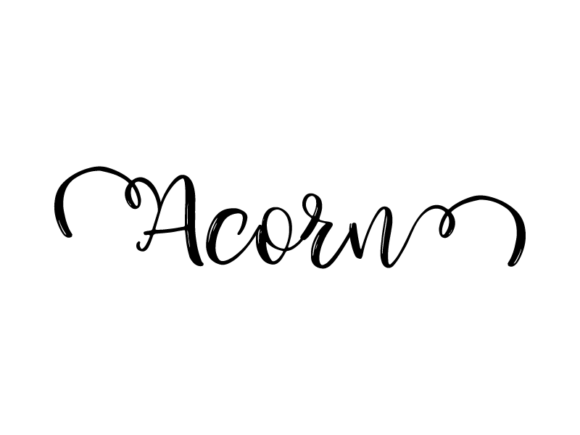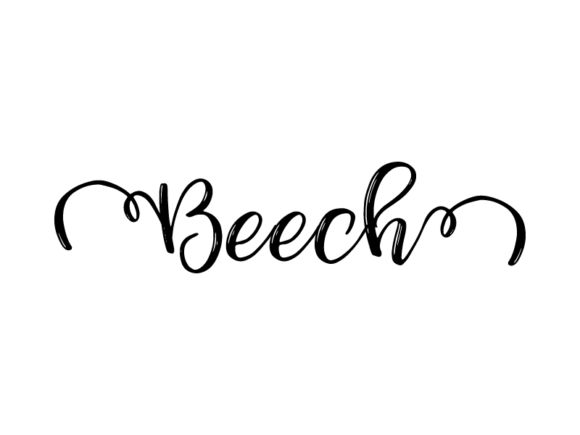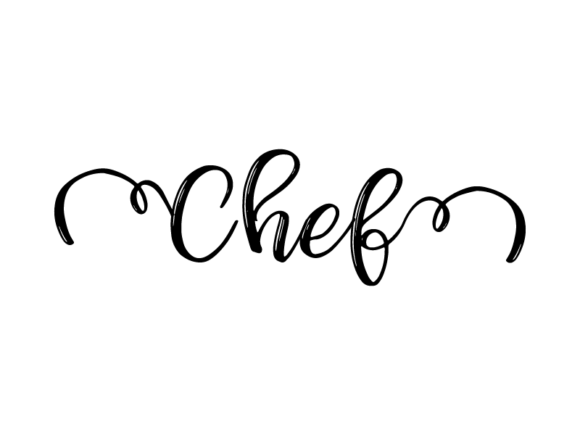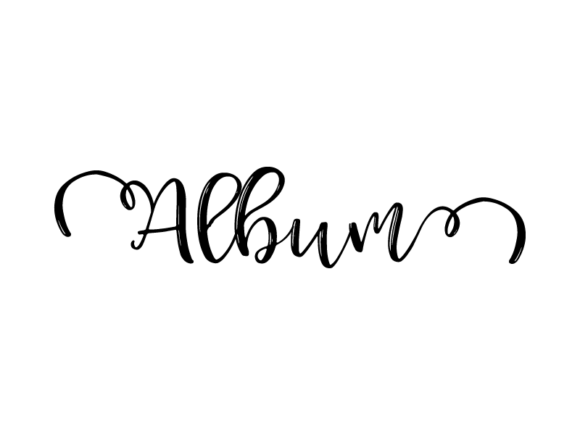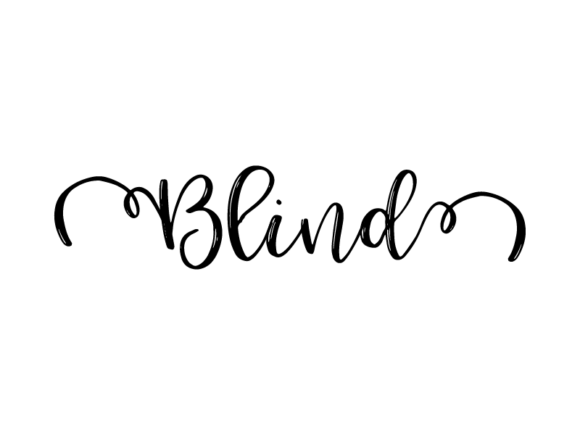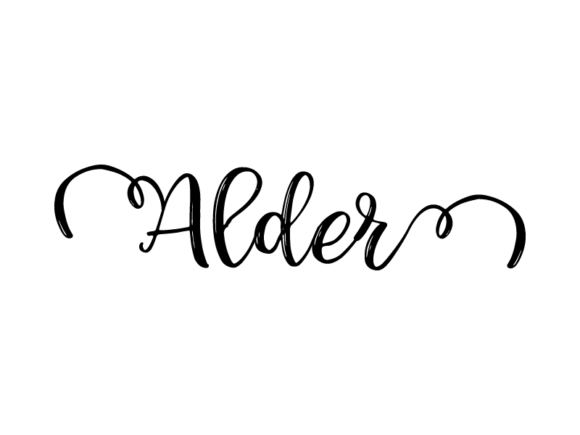
Alder Lettering: Hand-Drawn Vector Monochrome Lettering for Real-World Creative Work
Alder Lettering is a carefully crafted set of hand-drawn, monochrome vector letterforms designed for practical, repeatable use across physical and digital applications. Unlike generative fonts or script typefaces with built-in spacing logic, Alder Lettering delivers individual, editable glyphs as scalable SVG paths—each shaped with intentional weight variation, subtle imperfection, and organic rhythm. It’s not a font file; it’s a toolkit of expressive letterforms meant to be manipulated, layered, and adapted—not just installed and typed.
What Makes Alder Lettering Distinct in Practice
Its distinction lies in how it bridges craft and utility. Each character begins as an analog drawing—ink on paper—then undergoes precise vector tracing that preserves gesture without sacrificing technical integrity. The result is consistent monochrome output (black-on-white or white-on-dark, depending on background) with no gradients, shadows, or embedded effects. That constraint is deliberate: it ensures predictability when cutting vinyl, printing screen transfers, or exporting for embroidery digitizing. You’re not getting stylized flourishes you can’t adjust—you’re getting responsive shapes that hold up at 8 mm on a clothing tag or stretch cleanly across a 48″ trade show banner.
Because Alder Lettering ships as native Illustrator-compatible SVGs (with clean layering and grouped paths), users retain full control over stroke alignment, anchor point adjustment, and path simplification. This matters when prepping files for laser cutting or Cricut Design Space—where ungrouped, compound-path-heavy assets often fail silently during import. Alder Lettering avoids those pitfalls by delivering flat, well-named layers and minimal node counts per glyph.
Real-World Flexibility Across Mediums
Designers working across product categories report consistent success with Alder Lettering in three key areas: textile application, print collateral, and digital-first assets.
- Apparel & home goods: Its high-contrast, low-detail structure translates reliably to heat-transfer vinyl, DTG printing, and sublimation. One educator used Alder Lettering to cut “BRAINSTORM” onto 60+ canvas tote bags for a workshop—no pixelation, no registration drift, and easy recoloring to match brand palettes.
- Print & promotional materials: Because every letter is a vector path—not raster or font-based—it scales without interpolation artifacts. A marketing manager repurposed the “GROW” set across business cards, postcards, and a 3-panel brochure without reworking spacing or kerning manually.
- Digital interfaces & branding: While not intended as a UI typeface, its glyphs integrate cleanly into Figma or Adobe XD as icon-like elements. A small studio used modified “CREATE” and “MAKE” variants as visual anchors in an e-book’s chapter headers—pairing them with system fonts for hierarchy without visual competition.
Usability and Workflow Integration
Alder Lettering works best when treated as a design component—not a replacement for typography systems. Its strength is expressiveness within defined boundaries: monochrome, hand-drawn, vector-native. That means it doesn’t solve line-height management, language support, or optical scaling across sizes. But it excels where custom lettering traditionally struggles: version control, team handoff, and iterative revision. Since each letter is a discrete object, designers can swap “A” variants mid-project without breaking linked styles or triggering font substitution warnings.
Editing is straightforward in Illustrator: resize freely, apply global recoloring via Recolor Artwork, or isolate strokes for offset effects. No plugins or scripts are required. For non-Adobe users, Affinity Designer and Inkscape open the SVGs cleanly—though some manual path cleanup may be needed in older Inkscape versions due to differing SVG spec interpretations.
Consistency across the set is high. Baseline alignment is uniform. X-height ratios remain stable across uppercase, lowercase, and numerals. Punctuation marks follow the same weight logic—so a period carries the same visual weight as the dot on an “i.” That predictability reduces decision fatigue during layout, especially when building modular signage systems or multi-language packaging where visual rhythm matters more than linguistic precision.
Who Benefits Most—and When It’s Not the Right Tool
Alder Lettering serves professionals who need hand-crafted distinction without hand-crafted time investment. Educators use it for classroom posters where legibility and warmth matter more than typographic nuance. Small-batch apparel brands rely on it for limited-run collections where custom lettering would cost thousands—but off-the-shelf fonts feel too generic. Content creators building branded Canva templates or Notion dashboards appreciate its plug-and-play adaptability across light/dark modes.
It’s less suitable for long-form editorial work, multilingual publishing, or accessibility-critical interfaces. There’s no OpenType feature support, no variable axes, and no built-in accessibility metadata—so it shouldn’t replace system or web fonts in body copy. Nor does it include alternate characters beyond what’s shipped (e.g., no swash capitals or discretionary ligatures). If your project hinges on nuanced typographic hierarchy or dynamic text reflow, Alder Lettering complements—but doesn’t substitute—for robust font families.
Long-Term Value and Practical Considerations
SVG-based lettering assets like Alder Lettering age well. Unlike raster graphics or outdated font formats, they remain editable decades from now with widely supported software. Their file size is minimal—under 200 KB for the full set—so they embed easily into PDFs, email templates, or CMS uploads without bloating load times.
One limitation worth noting: because it’s monochrome, Alder Lettering doesn’t support color gradients or duotone fills out of the box. Achieving those effects requires manual expansion and path manipulation—doable, but outside the “drag-and-drop” workflow some users expect. Also, while the letterforms are highly legible at medium-to-large sizes, tight tracking at small sizes (under 14 pt equivalent) may require manual kerning adjustments to avoid visual crowding.
Still, its reliability across production pipelines stands out. A print shop in Portland confirmed zero file rejection incidents over six months using Alder Lettering for client jobs ranging from café menu boards to boutique packaging. Their feedback centered on clean path data and absence of hidden clipping masks—issues they regularly encounter with crowd-sourced vector assets.
Integrating Alder Lettering Into Your Process
Start by identifying one repeatable use case: a signature phrase for your newsletter banner, a consistent header style for workshop handouts, or a recurring motif across social media carousels. Import the SVG, ungroup once, then build a reusable symbol or graphic style in Illustrator. Save variations as separate artboards—“Bold,” “Light,” “Outlined”—to speed up future selection.
For educators and makers, pair Alder Lettering with simple classroom tools: print outlines for tracing exercises, import into Silhouette Studio for paper-cutting projects, or convert to PNG at 300 dpi for hand-stamping templates. Its intentional simplicity makes it forgiving for beginners yet precise enough for professional refinement.
In short, Alder Lettering delivers focused utility—not broad coverage. It won’t replace your font library, but it reliably fills a specific gap: expressive, editable, production-ready lettering that behaves consistently whether stitched onto denim or animated in a web banner. When your goal is authenticity without compromise on control, Alder Lettering earns its place in the working toolkit.